Style & Silhouette
How to Build a Prom Dress Shortlist
If you are starting your prom search in early fall, a useful first result is three dresses you can explain. Save what you like, what you still need to check, and the actual product link. A folder full of beautiful pictures cannot answer those questions for you.
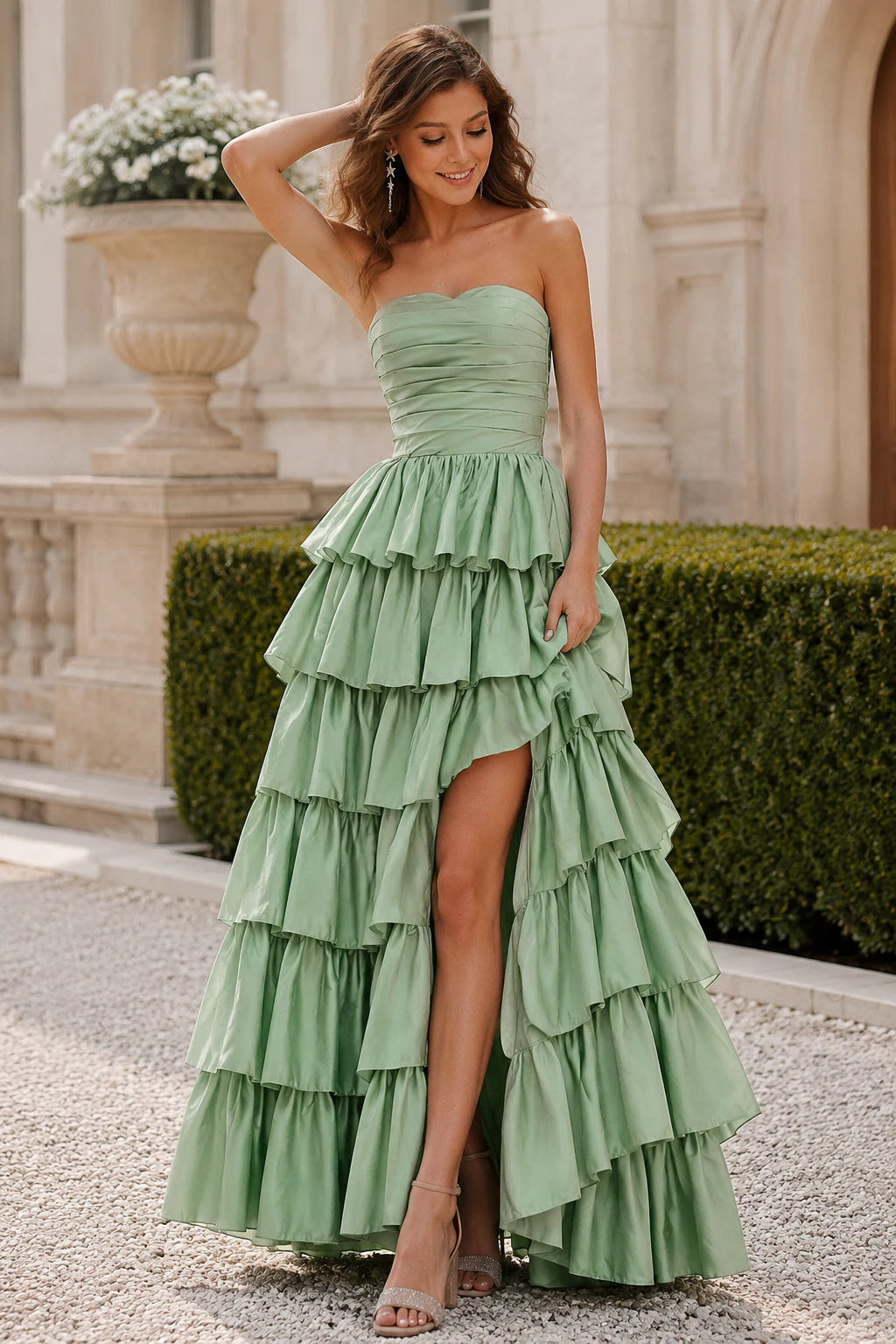
Save a reason with each dress
Start with a small working set: one dress you would comfortably choose today, one with a different silhouette, and one that tests a detail you are curious about. Three is an editing tool, not a shopping rule. If two choices look almost identical, keep the one with clearer product information and write down what you still need to compare.
Give each saved link a sentence such as: 'I like the open neckline and tiered skirt, but I need to check the back.' Include the product name, style code if shown, and selected color. A cropped screenshot can lose all three. Reopen the page when you are ready to decide; a saved image does not reserve a color or size.
Compare the shape before the styling
Try giving two saved dresses different jobs. Kallisse's product page describes a sweetheart neckline with an A-line skirt and satin finish; Estria's describes a sweetheart neckline with a mermaid shape and satin finish. Save Kallisse as your reference for a skirt that opens from the waist, and Estria as your reference for a closer skirt line. Then decide which difference actually matters to you instead of treating both as simply another satin dress.
Compare the front and back of each selected color, then imagine sitting down, climbing a step, and raising your arms. Note questions about the fastening, coverage, or room to stride. Photographs can show a shape; they cannot prove support, stretch, softness, or comfort. Ask about an unclear detail instead of filling it in from a similar-looking dress.
Keep event details and fit questions visible
If your school has not confirmed the date or dress code, mark those fields 'not confirmed.' Do not borrow last year's rules or another school's calendar. Once the guidance is available, compare each dress against the actual requirements for coverage, length, and any other stated restrictions. Ask the event organizer when a rule is unclear.
Use the PromSpark size guide to learn which measurements you will need: bust, natural waist, hips, and hollow to floor. For a long gown, note the heel height you plan to wear. If you are browsing months before ordering, date your notes and remeasure before submitting an order. The chart is a body-measurement reference; a size label from another brand is not a fit check.
Make your saved links easy to compare
Once you have more than a few saved dresses, put the same fields beside each link: product name and style code, selected color, size or Custom option, current price, and the date you checked the page. Add columns for the event or outfit-needed date, the first question you still need answered, and the page where you found the information. This turns browsing into a short list you can update instead of a stack of screenshots.
Keep facts and impressions separate. Write 'product page shows a back zipper' as a fact you can reopen, and 'I think I can dance in it' as a question to test when you try it on. Recheck the exact option before ordering because a saved image does not preserve a product's current color, size availability, price, or delivery information.
Ask a friend one useful question
Instead of sending ten photos with 'Which one?', send your three links with a question: 'Which neckline do I seem happiest wearing?' or 'Which skirt suits the amount of dancing I want to do?' Friends can help you notice a pattern in your taste. They cannot confirm construction or fit from a photograph.
Compare accessories you already own with each option. A dress that needs new shoes, different underwear, and a new bag has a different outfit cost from one that works with what you have. Write that difference next to the dress, even if the two dress prices are similar.
Before ordering, reopen every important detail
Check the exact color and size selection, current price, delivery information for your destination, and the applicable return terms. Send support the product link, selected options, event date, and a short list of unresolved questions. A useful message asks about the actual dress rather than whether an unspecified order can arrive 'soon.'
If one choice still depends on an unanswered fit or timing question, keep it as a possibility instead of treating it as a settled decision. Your shortlist is finished when you can say why you prefer a dress and identify what must be confirmed before paying.
If a saved product link no longer opens, mark it unavailable to verify and look for the style code in the current collection or ask support. Do not treat an old screenshot as a purchasable option, and do not assume a similar dress is the same product under a new name. Move the old image to inspiration until you have a working page and confirmed options.
Questions, answered
Frequently asked questions
Is fall too early to start looking for a prom dress?
You can start comparing styles before you have every event detail. Keep the date and dress code marked as unconfirmed until your school provides them, and recheck measurements and product options before ordering.
Should all my shortlisted dresses be the same color?
They do not have to be. Comparing similar colors can help you focus on silhouette, but keep the selected color recorded so you do not confuse a product's different views or options.
Does saving a dress reserve it?
No. Treat a saved link or picture as a reference, then check the current product options when you are ready to buy.
What should I put in a prom dress comparison grid?
Record the product name or style code, selected color, size or Custom option, current price, the date you checked it, your event or outfit-needed date, and the questions you still need support or a try-on to answer.
Related guides
Your next step
Keep the decision clear.
Use the details that matter for your event, then explore the styles and fit information at your own pace.
Browse Prom Dresses